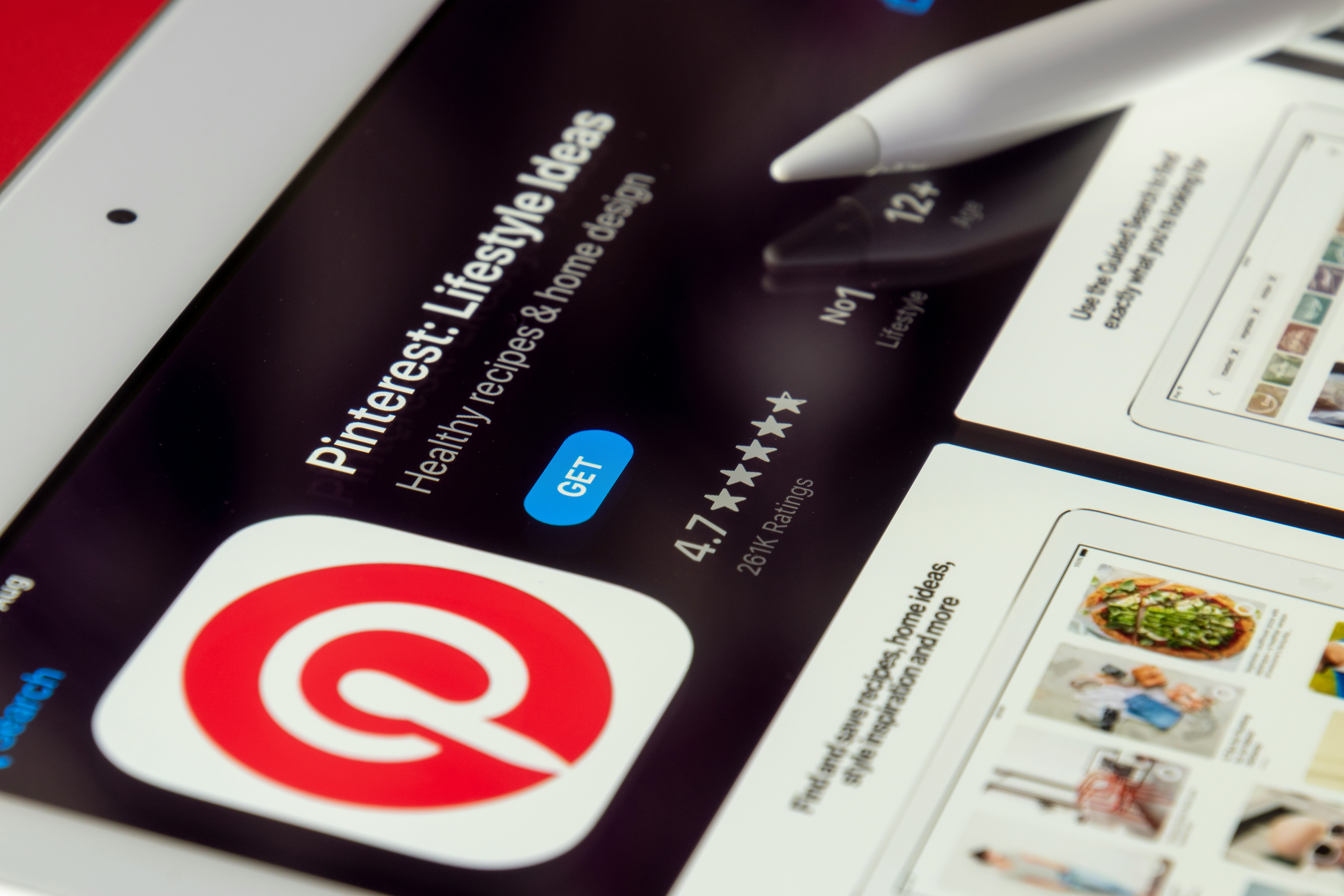
Pinterest is the ultimate place for inspiration. Whether you are planning a home renovation, looking for a new workout routine, or trying to master a viral recipe, the platform is filled with incredible video content. But there is one major frustration: Pinterest doesn't have a simple "Download" button for its videos.
You can "Save" a Pin to your board, but if the creator deletes it or if you are offline (like on a plane or in an area with bad signal), you lose access to that inspiration. To truly keep it, you need to save it as an MP4 file to your device.
Why Use a Web-Based Downloader?
In 2026, many people are tired of downloading "junk" apps from the app store that track your data and show you endless ads. Using SocialGraber is much cleaner. It’s a browser-based tool, which means it works perfectly on your iPhone, Android, or laptop without requiring any installation or account login.
How to Save Pinterest Videos in 3 Seconds
Saving your favorite Pins is actually very easy once you know the trick:
-
Copy the Link: Open Pinterest and click on the video you want. Tap the 'Share' icon and select "Copy Link."
-
Visit SocialGraber: Go to SocialGraber.com and paste that link into the search box at the top.
-
Grab Your Video: Click the download button. Our system will process the link and give you a high-quality MP4 file ready to save.
Keep Your Inspiration Organized
One of the best ways to use this tool is for mood boards. If you are a designer or a student, having the actual video files allows you to organize your research into folders on your computer. It’s also great for creators who want to reference a specific editing style or transition they saw in a Pin.
Just a small reminder: Pinterest is a community of creators. While it's great to save videos for your own personal use and inspiration, always try to support the original creators by following their boards or visiting their websites!