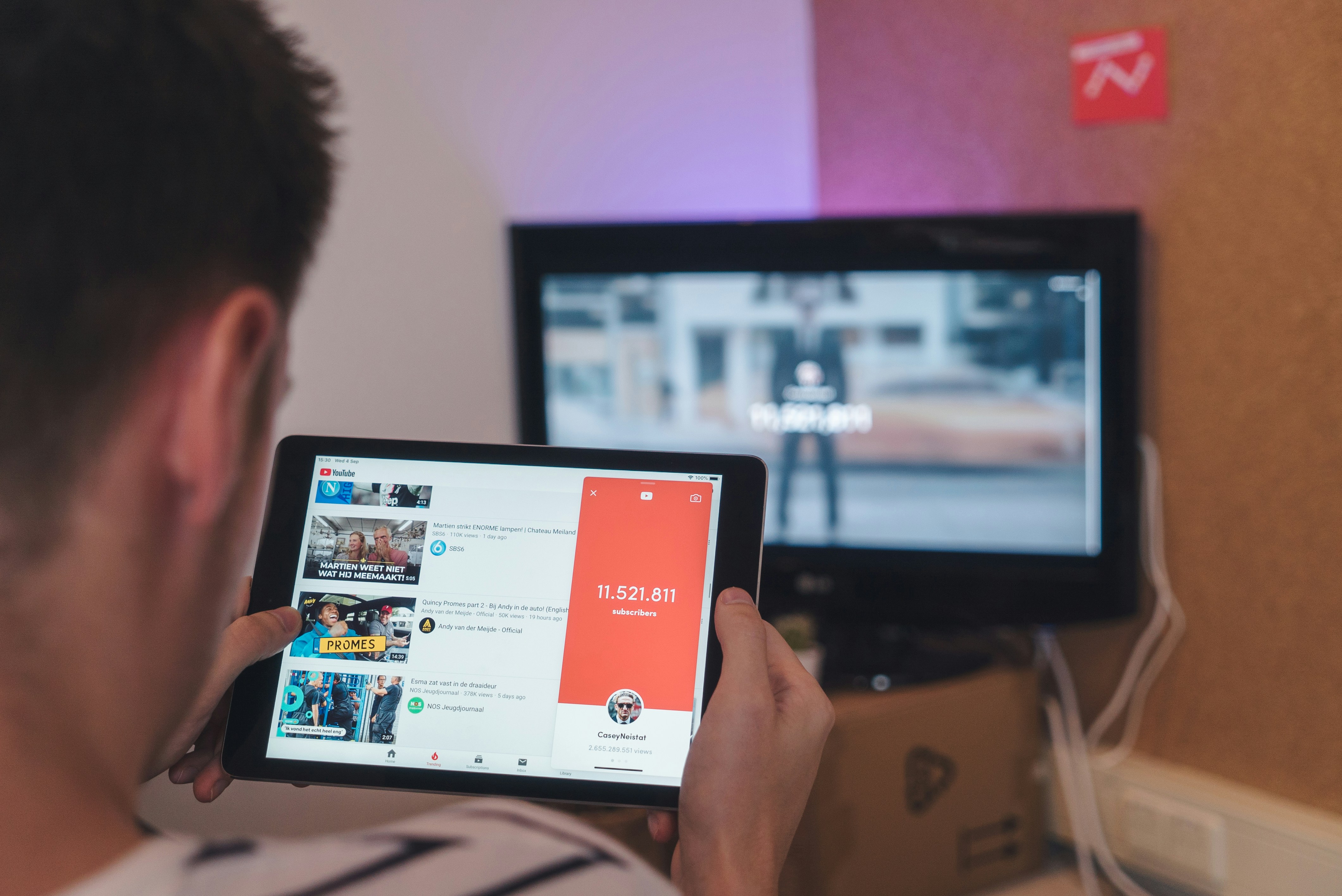
We have all been in that situation where we are about to board a long flight or head into a zone with terrible Wi-Fi, and we realize we forgot to save that "How-to" guide or that long podcast we wanted to watch. While YouTube does have a "Download" button for Premium users, it often locks the video inside the app, making it impossible to move the file to your laptop or edit it for a project.
If you are a student trying to save a lecture or a creator looking to archive your own content, you need a way to get the actual MP4 file onto your device.
Why Quality and Speed Matter
In 2026, we are used to 4K and 1080p resolution. There is nothing more frustrating than downloading a video only to find out it looks like it was filmed on a potato. Most "quick" online converters strip the quality down to 360p to save server costs.
When you use SocialGraber, the goal is to keep the pixels crisp. Whether it is a fast-paced gaming clip or a beautiful nature documentary, you deserve to see it in the quality the creator intended.
The Simple 3-Step Method
You don't need to install heavy software or browser extensions that slow down your computer. Just follow these steps:
-
Find the Video: Go to YouTube and copy the URL of the video you want to save.
-
Paste the Link: Open SocialGraber.com and drop the link into the search bar.
-
Select Your Quality: Our system will fetch the available formats. Choose "1080p MP4" for the best balance of size and quality, and hit download.
A Note on Safety and Ethics
I always tell people to be smart about how they use these tools. Downloading videos is great for personal education, offline travel, or backing up your own work. However, always respect the original creators. Don't re-upload someone else's hard work as your own. If you love a creator's content, make sure to go back and give them a "Like" or a "Subscribe" on the platform when you are back online!